Over dit product
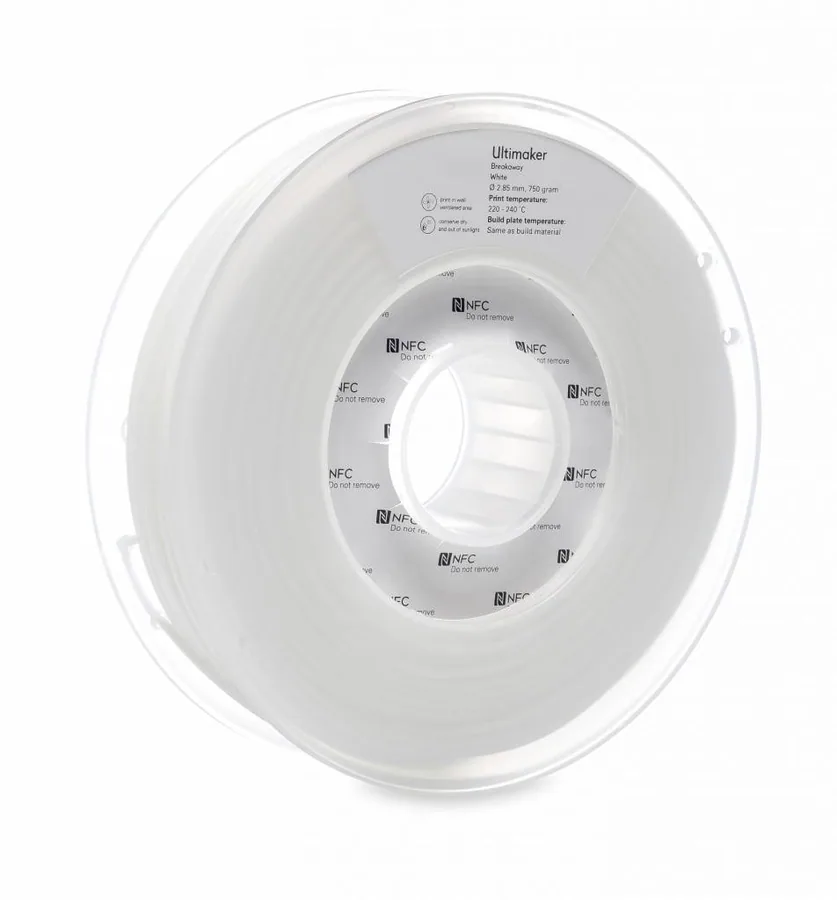
Ultimaker Breakaway is a support material for multi-extrusion 3D printing. Breakaway supports are quick to remove and do not need further post-processing for a smooth finish on your 3D print.
Note: The information provided here applies to Ultimaker Breakaway. Similar quality cannot be guaranteed with third-party filaments.
Ultimaker Breakaway is officially supported on the Ultimaker S5, Ultimaker S3 and Ultimaker 3 and only for the 0.4 mm AA print core. Breakaway in combination with a AA 0.8 print core may give issues with removing the support material from the build material. See the overview below for more information.
Compatible print cores / nozzles
Ultimaker S5 (Pro Bundle)
Ultimaker 3 (Extended)
Ultimaker 2+ (Extended)
Note: Since Ultimaker Breakaway is used as a support material for dual-extrusion prints, no print profiles are developed for single-extrusion printers
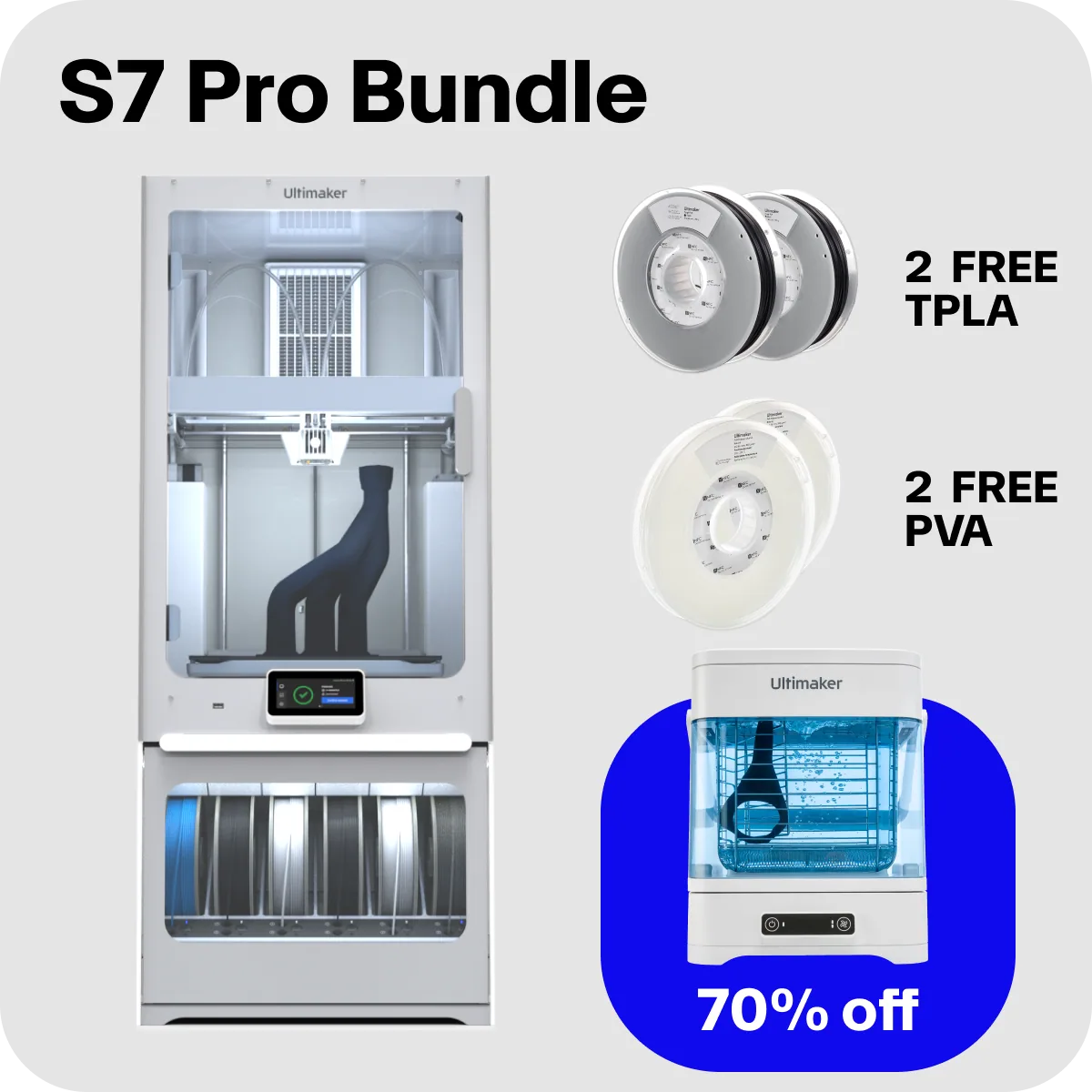
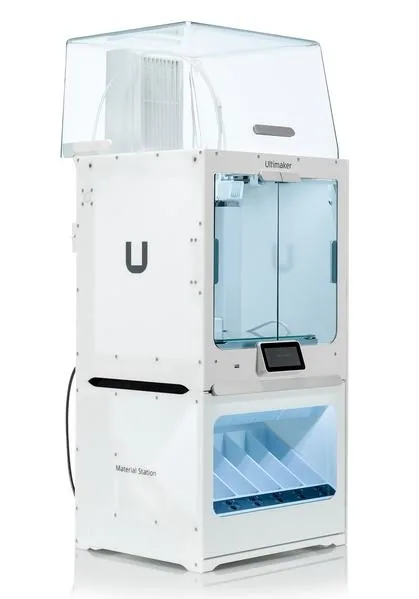
Ultimaker Breakaway has optimised settings for the Ultimaker Pro Bundle, Air Manager and Material Station. This ensures a good end of filament and end of print experience in the Material Station and an optimal build environment with the Air Manager. Please make sure to use the latest version of Ultimaker Cura and ensure the firmware has the latest update.
Breakaway can be used as a support material for many of the Ultimaker build materials. In this overview you can see which materials Breakaway support is compatible with.
1 Only possible for small prints. Larger prints may show warping of the build material
2 Dual combinations with TPU 95A may result in stringing and blobs on the surface of the print
The use of Breakaway in combination with PP is not supported, due to insufficient adhesion between these two materials, which will most likely result in print failure.
Note: To provide good adhesion and avoid warping the support interface density of Ultimaker Breakaway is reduced when printed in combination with ABS, CPE and CPE+. This may result in a less smooth bottom surface of build material than you get for Nylon, PLA, and Tough PLA.
Specificaties
Specificaties
| Merk | UltiMaker |
| Materiaalsoort | Supportmateriaal |
| Technologie | FDM |

Filament: droog bewaren, met het juiste profiel.
Filament neemt vocht op; een droge opslag of een droogkast houdt de kwaliteit op peil. Het materiaalprofiel van de fabrikant zorgt dat de eerste print goed is.
- Materiaaladvies bij de toepassing
- Veiligheidsbladen en datasheets op aanvraag
- Afname per stuk of in series
Past dit bij uw toepassing?
Vertel wat het onderdeel moet doen: de belasting, de maatvoering, de serie en de doorlooptijd. Wij zeggen of dit de juiste keuze is, en anders welke wel.