Over dit product
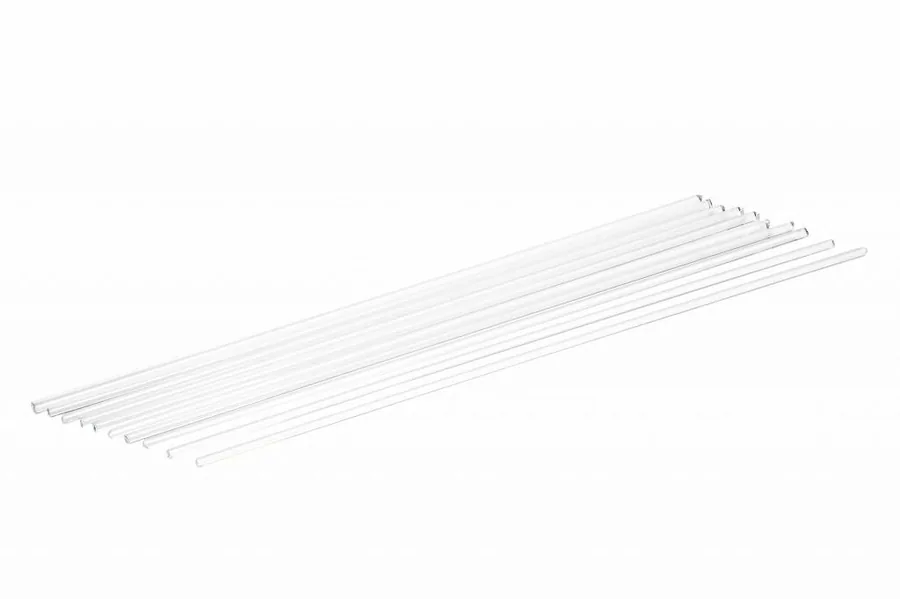
The cleaning filament from Ultimaker is the ideal way to resolve clogs in your print cores quickly and efficiently. This keeps your print cores in optimal condition.
When should you use the Cleaning filament?
The cleaning filament can be used in 2 ways. Either to remove clogs, or to maintain your print core. It is recommended to regularly maintain your print cores, with a maximum of 3 months between maintenance. Unclog the print core if you do not see any material extruding for at least 10 minutes.
How should you use this Cleaning filament?
The Cleaning filament can be used with both the hot and the cold pull method. Hot pulls are used with abrasive materials to remove clogs. Thanks to the cold pull, smaller parts are also removed. This makes the print core completely clean.
Specificaties
Specificaties
| Merk | UltiMaker |
| Technologie | FDM |
Past dit bij uw toepassing?
Vertel wat het onderdeel moet doen: de belasting, de maatvoering, de serie en de doorlooptijd. Wij zeggen of dit de juiste keuze is, en anders welke wel.